


24-25 July 2026

SCRS Australia & New Zealand Site Solutions Summit™

Melbourne, Australia

14-15 February 2027

SCRS European Site Solutions Summit™

Amsterdam, Netherlands

Global Site Solutions Summit™ Logo

October 15-18, 2026

Global Site Solutions Summit™

Orlando, Florida

June 1-2, 2026

SCRS West: Site Innovation Summit

Scottsdale, Arizona

Awards

Apply for recognition at SCRS Summits.

Site Spark

Recognizing sites implementing innovative ways to operationalize trials.

Eagle Award

Recognizes sponsors and CROs committed to strong partnerships with sites.

CKP Site Impact Award

Honors a site leader whose impact reflects the legacy of SCRS founder Christine K. Pierre.

Patient Inclusion Award

Celebrating sites committed to research reflecting all communities.

Logo of Excellence in Patient Centricity Award

Patient Centricity Award

Recognizing sites with strong dedication to patient engagement.

Environmental Sustainability Impact Award

For sites committed to environmental responsibility in operations.

Global Summit Standout Awards

Celebrating those who embody industry collaboration at the Global Site Solutions Summit.

SCRS Site Solutions Summit™ App

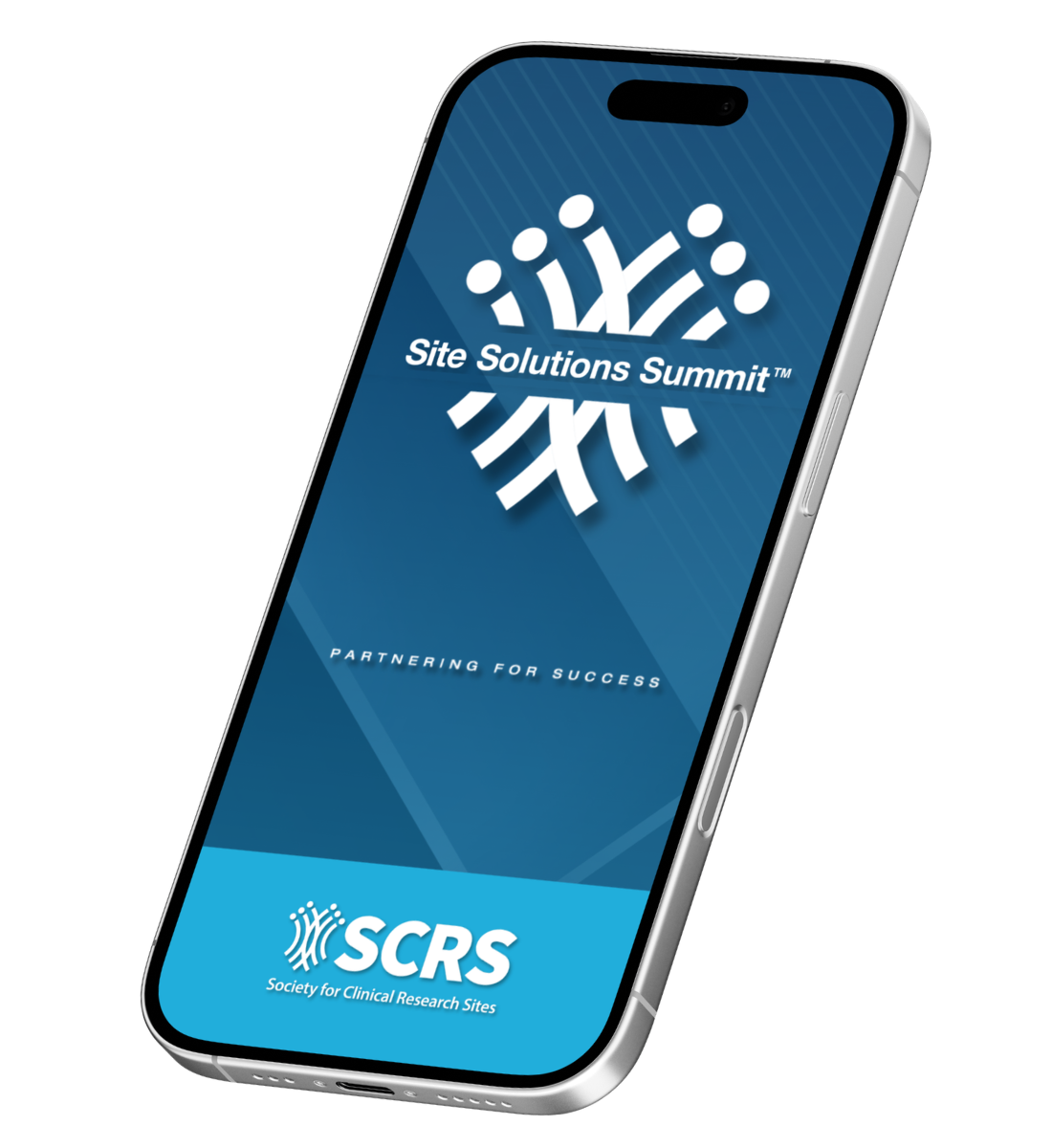
Photo mobile device with SCRS app

Download the SCRS Summit app to have the agenda, venue map, attendee list and more in the palm of your hand!

The Summit app is available approximately 5 weeks before the event. We will make several announcements via email once the app is live.

Accessing the app:

  1. Use the email address you registered with to log in
  2. Use your last name as your password (case sensitive)

Networking

  1. Select the "My Profile" module
  2. Toggle “Discoverable” to ON
  3. To schedule meetings
    1. Visit the Attendees module
    2. Select an attendee, then tap "Schedule Meeting". Use the 3 dots on the top right to sort by company or category
    3. Tip: Review the Venue Map in the app to determine a location to meet. If unsure, suggest the SCRS Registration Desk
    4. Meeting requests will appear in app notifications and display on your personal agenda once accepted

Note: Attendee list is not exportable/downloadable.

Troubleshooting

If you are unable to log in to the app:

  1. Check your Summit confirmation email to verify your email address and last name are correct
  2. Ensure you are entering your password as your exact last name with all capitalization, spaces and/or hyphens
  3. Try force-closing the app, restarting your phone and/or redownloading the app
  4. Email info@myscrs.org for assistance if the above steps do not work