Hotel & Travel
2026 Venue
Hotel Okura Amsterdam
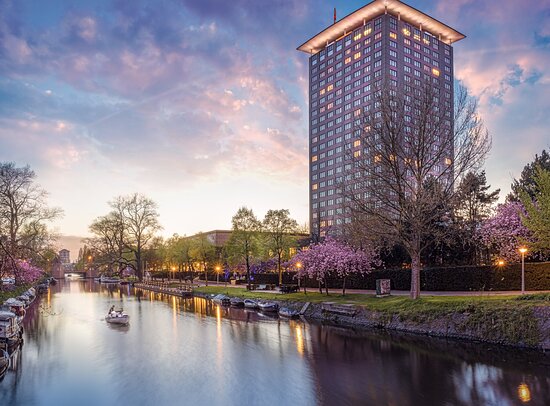
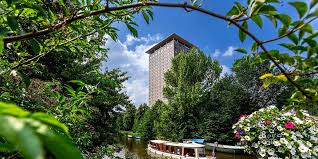
Hotel Okura
Ferdinand Bolstraat 333, 1072 LH
Amsterdam, Netherlands
Welcome to Hotel Okura Amsterdam, where Eastern and Western influences meet in perfect harmony. Rooted in the philosophy of Japanese service, Omotenashi, we offer peaceful luxury in Amsterdam.
As a distinguished member of The Leading Hotels of the World, we are situated in the vibrant Amsterdam Zuid neighbourhood of De Pijp, only steps away from The Rijksmuseum.
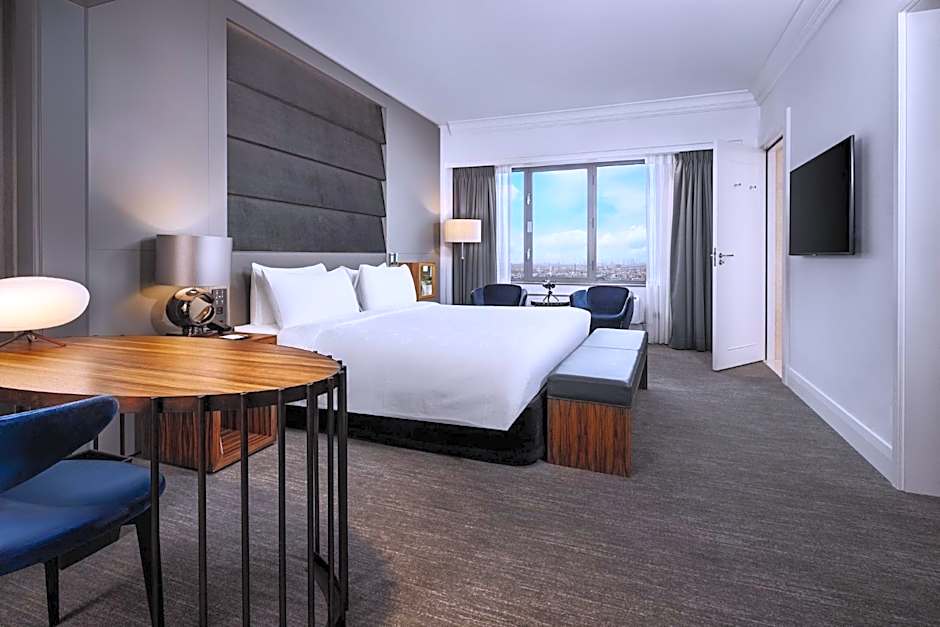
Our spacious rooms and suites offer perfect views of the Amsterdam skyline. We are proud to be home to four acclaimed restaurants, collectively holding three Michelin stars.
If booking before or after room block dates, the booking link may show no rooms are available. Please email joan.mcclurg@myscrs.org for assistance if you need to book outside of room block dates.
Venue & Travel Information
Airport
Schiphol Airport is approximately a 15-minute drive from the venue. The venue’s Concierge is at your service to arrange transportation to or from the airport for you. Request your transfer through the airport transfer form.
Transportation & Parking
Guests arriving by car can take advantage of the hotel’s convenient valet parking service. With secure, on-site parking and reduced parking fees, you can enjoy a stress-free arrival and departure, knowing your vehicle is in safe hands.
The hotel is located within walking distance of well-connected tram and metro stations, making it easy for guests to access public transport.
Before Leaving Home
What to Pack
European Summit attire is business casual or formal.
Review the Program
Preparation will help you make the most of the Summit! Begin deciding which sessions you’ll attend in advance. Review the session descriptions and plan your day.
Download the SCRS Summits app to have the agenda, venue map, attendee list and more in the palm of your hand!
How to Log In:
- Username: Email address you registered for the Summit with
- Password: Your last name exactly as entered during registration (Case Sensitive)
Troubleshooting
If you are unable to log in to the app:
- Check your Summit confirmation email to verify your email address and last name are correct
- Ensure you are entering your password as your exact last name with all capitalization, spaces and/or hyphens
- Try force-closing the app, restarting your phone and/or redownloading the app
- Email info@myscrs.org for assistance if the above steps do not work
Networking
- Select your initials on the top left
- Edit "Permissions" to allow users to see your profile and/or send messages
- Edit "Notification Preferences" to receive chat and poll notifications
- In the main menu, select "Attendee" to view all attendees. Search for or select an attendee to send a message or schedule a 1:1 meeting.
Note: The attendee list is not exportable/downloadable. The Summit app is available approximately 5 weeks before the event. We will make several announcements via email once the event is live in the Summit app.
Summit App Sponsored By